Sunday, March 18, 2012

Archives for August 2015

PetTronix Launches Subscription-Free Pet Tracker

Pet tracking is one of many GPS technologies that has exploded in recent years and there is no shortage of options if you’re looking for something to help you keep track of your wayward pup. We’ve written about various different trackers over the last year or so but to be totally frank, they are all basically the same with very few differences between them. They all have the same basic features and the same basic cost structure, usually some sort of monthly subscription service.

Well, PetTronix has announced that it will be launching a new GPS tracker for dogs which not only avoids using cell towers but won’t continually dip into dog owners’ pockets for a monthly fee to keep it going. Instead, the creatively named RoamEO SeekR works more like a combination between a handheld GPS unit and an actual GPS tracker chip to attach to the dog’s collar. read more
10 Tips for Geocaching Etiquette

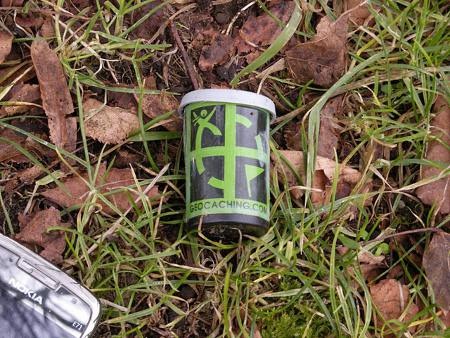
Geocachingcontainer.jpg

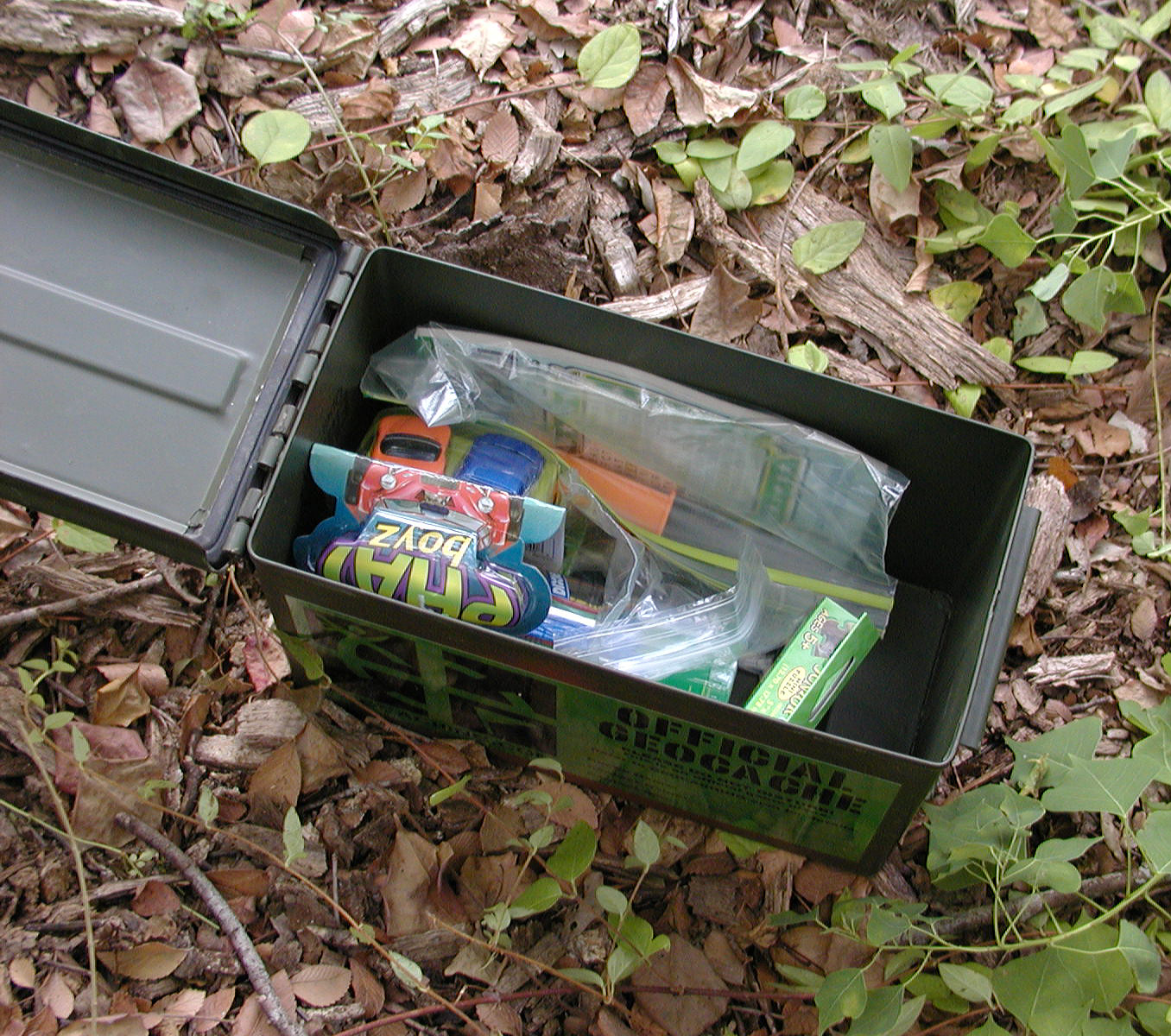
When I first started geocaching, I was a little overwhelmed by all of the rules and things that go along with it. The community is, thankfully, pretty helpful and there are a lot of resources online but I find that one of the things that is rarely talked about is the etiquette for when you’re caching.

Today I have a list of my top ten tips for geocaching etiquette that I think every good geocacher should follow: read more

Garmin Announces New Forerunner 25

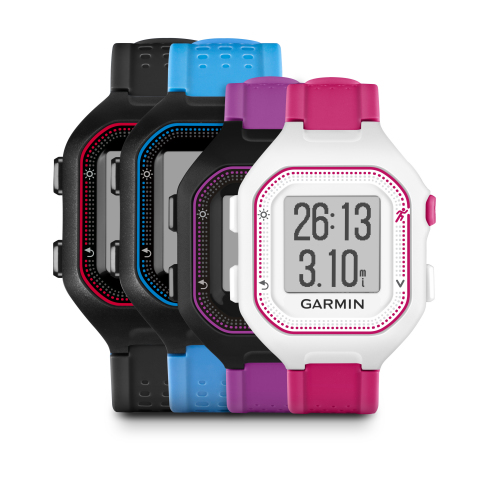
Forerunner25_HR_1100

Garmin has a handful of devices in its up-and-coming GPS running watches, most specifically the Forerunner series. Well, earlier this week Garmin released details on its newest running watch aimed at both beginner runners and people new to the running watch market. Designed to be a successor to the popular hobby running watch the Forerunner 10, this device is even lighter in terms of functionality which may or may not appeal to some.

The Forerunner 25 is, at its core, a pretty basic running watch. It includes the ability to track all of the things you’d expect on an entry-level running watch including distance, pace, heart rate (when using a heart rate monitor), number of steps taken and calories burnt.

The press release doesn’t say anything specifically about tracking route, I would assume that it also does this although I am sure that you’d have to upload the data to a computer to be able to view it. The device also is capable of Live Tracking when compared with a compatible smartphone so that friends and loved ones can follow your runs and workouts. read more

Top Smartphone GPS Navigation Apps

a

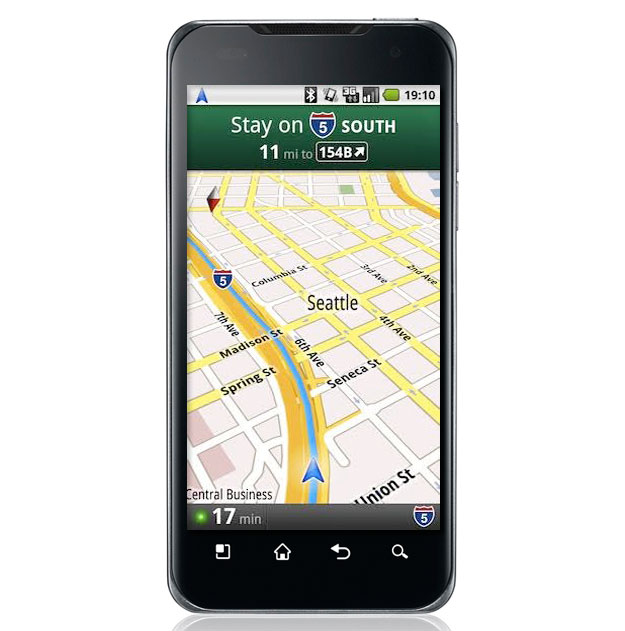
Smartphones might not always be the most ideal option for GPS navigation, but there are times when it makes more sense. After all, no matter where you are, you probably have your smartphone on you, right? Well, while there are literally dozens to choose from, if you’re only going to use it some times then you probably don’t want something you have to pay for, right?

So, here are my top three picks for the best free smartphone navigation apps for those little emergencies or even day-to-day use.

1. HERE – Google Play, iTunes

Nokia’s HERE, also known as Here Maps, was recently sold to BMW for quite a pretty sum. The maps themselves are hailed as being extremely accurate and BMW intends to use them for self-driving cars if that says anything. The routing isn’t half bad either and tends to mimic dedicated GPS units more than Google does, making it a little easier to use.

2. Google Maps – Google Play, iTunes

If you have an Android, then you already have Google Maps by default. Google Maps is the default go-to for most people and its maps are pretty excellent. It also offers voice guidance, although personally I don’t care for how complicated it can be to preview the route and it’s dangerous to do while driving I think. Regardless, this is still a pretty solid option and has great search functions.

3. Maps.Me – Google Play, iTunes

This little app is one that hardly anyone even knows about, and I actually found it on accident. Completely offline, Maps.Me is first and foremost an offline atlas. The company recent introduced routing and while you do have to download ahead of time, the fact that it requires zero data is worth the time. The routing is a little odd sometimes, but if you can read a map, then this is still a great option. Unlike the others, it does require a bit more planning ahead of time, as you probably won’t want to be routing on the fly.

How accurate are they?

location

With dedicated GPS devices, it’s easy to measure and compare how accurate each GPS device is, how well it tracks and routes and whether or not the signal is lost. However, with smartphones it doesn’t depend on the app as much as the actual device itself. Some smartphones are better at GPS than others, and I don’t have access to enough devices to really give any tips on that.

For example, my LG G4 gets fantastic signal most of the time and rarely loses or does anything weird like jumping a few blocks at a time. My old Samsung, on the other hand, didn’t even know what GPS was, I don’t think. So it’s really going to come down to your actual device and how often the company updates the maps on the apps. Most apps update at least a couple times a year and Google and Here both update more than that. So sadly, you’ll have to test it out for yourself to determine which works best with your device.

So, for those of you who use your smartphone for navigation, which apps do you prefer? Do you have a suggestion for one that ought to be included? Let me know in the comments!


This Week in GPS — August 7, 2015

This week in GPS is a weekly link roundup of (mostly) GPS related odds and ends, from GPS Tracklog and other places around the Web. This week’s featured image is Garmin’s logo because the company announced it will be opening new physical locations in Miami soon!

Here are some other things going on in the world of GPS this week: read more

Five Ideas For Missions For Your Trackables

An assortment of geocaching trackables

An assortment of trackables

Getting a new trackable is always exciting.  First there is the allure of the physical object, art on a keychain or in the shape of a coin.  These are often stunning pieces of work and you can’t help but marvel at the design or craft that has gone into making it a physical object.  But after that initial excitement has disappeared, you’ll find yourself with a second hit, as you consider what to do with it.

It’s possible that you have purchased the trackable with a mission in mind, but if it’s a gift or something you bought for the design then you might finding yourself wondering whether to set it off on a mission or keep in your personal collection.

Whilst some designs are so good that you may ultimately decide that this trackable will only be discoverable at events you take it too, there is the thrill of sending a trackable out into the world and seeing how far it will travel.  Will it be muggled two miles down the road from where you placed it in a cache, or will it circumvent the globe multiple times?

But if you do decide to let it go, what do you make its mission?  Make it too restrictive and it’ll never move.  With that in mind, here are five ideas of missions for your trackables that will keep them moving and hopefully bring you some enjoyable logs.

read more

Lawsuit Questions Employee Tracking Legality

wedsacx

In this day and age it has become fairly commonplace for a company to have some sort of GPS tracking of its fleets or even employees who are in the field during work hours. It’s not normally the sort of thing that I write about very much, but recently a particular case has been gaining a lot of attention and has culminated in a lawsuit that is likely to make the courts finally set a rule for tracking employees.

The lawsuit itself maintains that companies should not be allowed to track employees while not on the clock and that it is an intrusion and violation of privacy. According to the plaintiff, she was required to download a tracking app to her device for work purposes, and was also required to keep the device on her person at all times for client calls. When her supervisor bragged that he was tracking her speed and location while off the clock, she deactivated the app and was summarily reprimanded and terminated. read more

Are GPS Voice Commands worth the time?

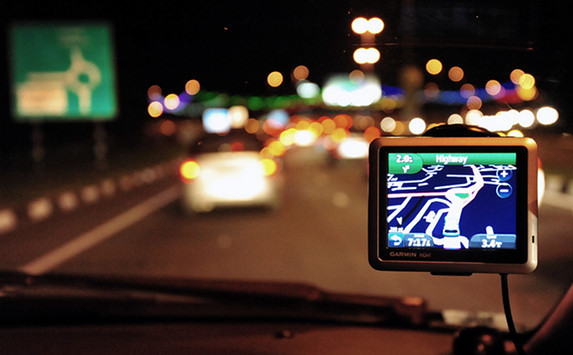
Auto GPS buyers guide

There are some features that are absolutely essential for GPS units, like lifetime map updates and lane junction views. But what about voice commands? Back when they were first introduced I can’t say that I was a huge fan as they were incredibly touchy. The mic couldn’t pick up voices with the AC going or music playing and don’t even think about having the window open. And even then, I felt like I was constantly shouting at my GPS.

Of course, technology has really advanced quite a bit since the early 2000s, and even my phone has a pretty decent voice recognition program now. So, what about GPS? Is voice command worth the time? We’ll take a look at the pros and cons, and then you can tell us your thoughts! read more

Garmin Rino 650 on Sale

rino650sale300

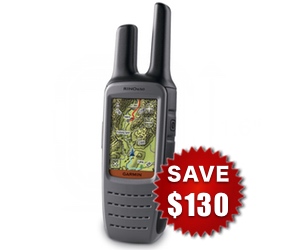
As Garmin recently announced that it has updated the Garmin Rino line with a new 650T device, a lot of the older 650 devices (which are pretty pricey) are going on sale. However, as the most recent 650T really only updates a handful of things, the older version should still be pretty viable. read more

Essential Geocaching Gear

Classic_Geocache

For me, one of the best parts of geocaching is that you never quite know exactly what you’ll come across. It’s all about the adventure and the hunt, and the thrill of finally spotting that little container is really unmatched.

However, if you want to be a successful geocacher, then having the right gear with you and being prepared is absolutely essential. Here are a few things that I always try and have on me when I’m out on the hunt, as well as a few suggestions from some fellow geocaching friends! read more