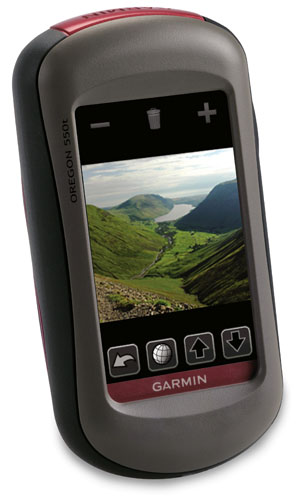
 Owners of the Garmin Colorado, Dakota and Oregon series got a nice surprise yesterday, when the company rolled out the ability to create a custom map image in Google Earth, opening the door to viewing aerial photos, USGS topos and park maps on your GPS.
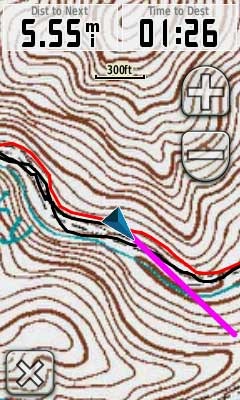
I immediately downloaded a US Forest Service topo (which often have greater FS road detail than USGS topos), transferred a portion to my Oregon, and hit the trail. You can see the results in the image to the left.
Accuracy is completely related to how well you georeference the image, but I was pretty pleased with the results. The red line is a track of the trail created by someone else, so I can’t vouch for the accuracy of that, but my own track lined up well with the USFS trail on the map, and had me on the proper side of the creek, so I was pretty pleased with my first attempt. I’ll also note that the Oregon was in a mesh pocket on the back of my pack, not the ideal spot for reception. Admittedly, I wasn’t going that fast (15 MPH tops), but I noticed no problems with redraws. Others are reporting sluggish behavior for larger mapsets.
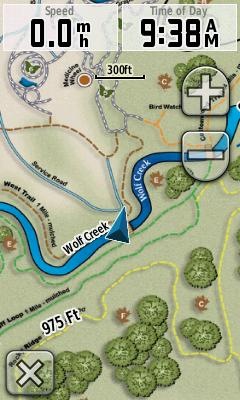 Garmin has added support for custom raster imagery to the Colorado, Dakota and Oregon product lines. This will allow you to add aerial photos, USGS topo maps, etc. to your device. You’ll need the latest beta firmware for the units (betas have not been posted for all units yet), but the process is laid out in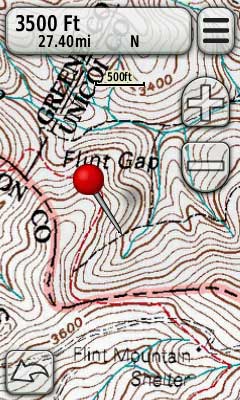
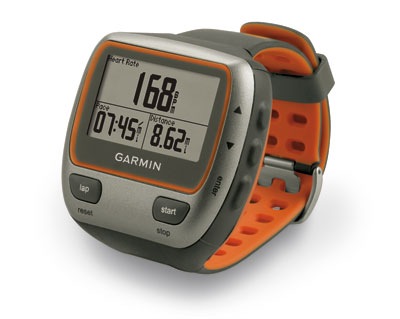
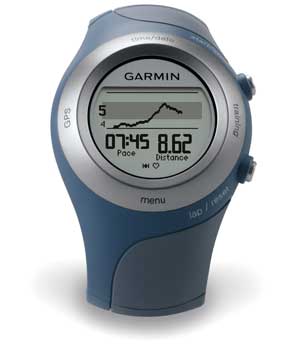
 is the first and only GPS designed exclusively for triathletes. It is waterproof (to 50 meters!) and can go for up to 20 hours on one charge. Targeted to multi-sport athletes, the 310XT can categorize the activities in your workout and log transition times.
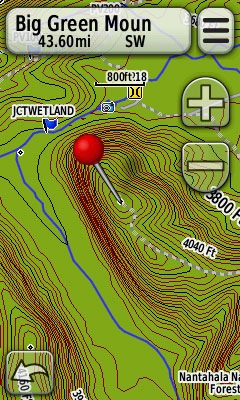 If you’re a Garmin owner and aren’t aware of all the free maps available for your unit, you’re in for a treat. Detailed 1:24,000 scale topo maps are available for most states in the US, as well as for some foreign countries. We’re also beginning to see transparent trail maps that can layer on top of topos.
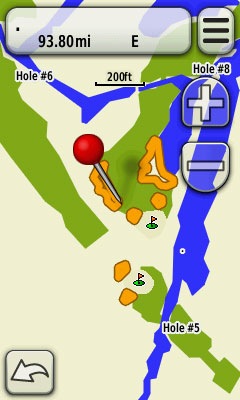 One of the nice things about Garmin units is the bevy of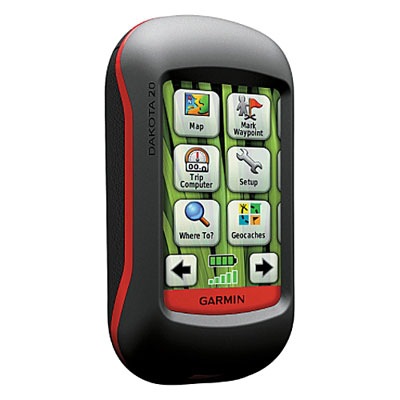
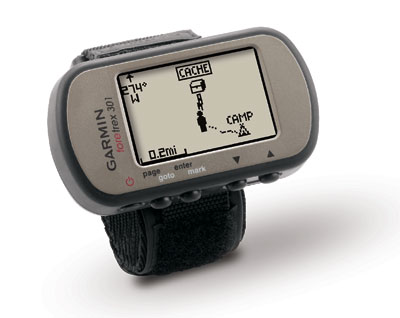
 updates the