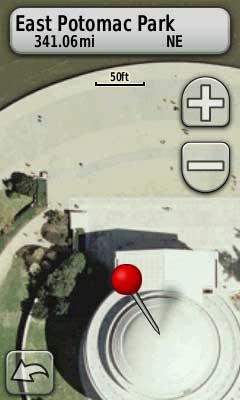
 There are a lot of new map makers out there now that Garmin has opened the door to custom maps on their latest generation handhelds.
And the results are cool. Just don’t expect those people standing around the Jefferson Memorial to be in the same place when you visit!
The process for adding aerial photos and topo maps is simple enough, once you find the imagery. To get you up and running faster, I’ve posted a list of sources for aerial imagery and various types of maps below. But first, let’s look at some of the acronyms and terms you’re bound to come across as you delve into this…
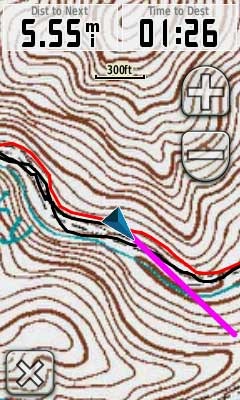 Owners of the Garmin Colorado, Dakota and Oregon series got a nice surprise
 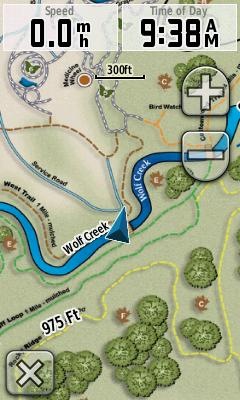 Garmin has added support for custom raster imagery to the Colorado, Dakota and Oregon product lines. This will allow you to add aerial photos, USGS topo maps, etc. to your device. You’ll need the latest beta firmware for the units (betas have not been posted for all units yet), but the process is laid out in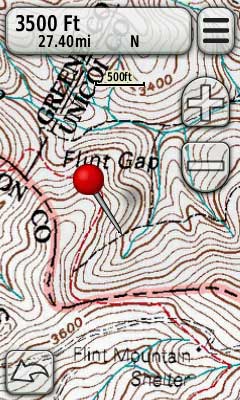
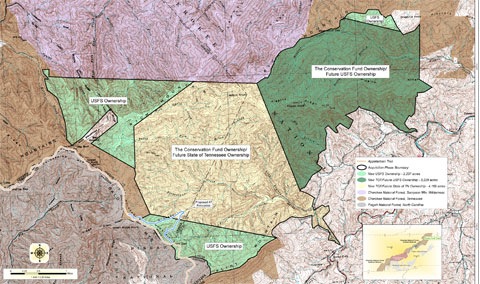 I learned the other day about a
 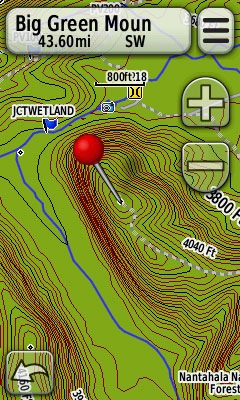 If you’re a Garmin owner and aren’t aware of all the free maps available for your unit, you’re in for a treat. Detailed 1:24,000 scale topo maps are available for most states in the US, as well as for some foreign countries. We’re also beginning to see transparent trail maps that can layer on top of topos.
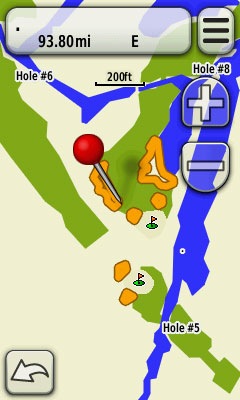 One of the nice things about Garmin units is the bevy of