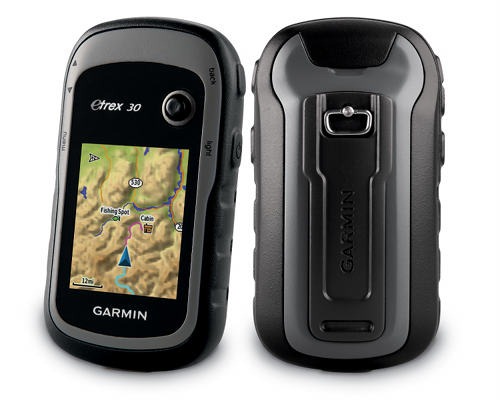
Loading supplemental maps (such as the free topos from GPS File Depot) to Garmin units often confuses people. If you use MapSource or MapInstall to load a map, it works fine. But load another map, and the first one you sent is overwritten. Here’s how you get around this…
Older Garmin units
For older models, select the portions of the map you want to send to the unit, then use the drop down Map Selection box and choose another map, as shown below. Select the portions of this map that you wish to transfer to the device. Rinse and repeat. Once you’re finished, transfer the maps all at once. Unfortunately, if you decide the following week that you need another map, you’ll have to repeat the process again.

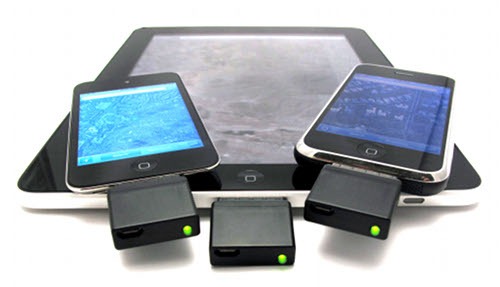
 plugs into your iPod touch, early generation iPhone, WiFi iPad or iPad2, allowing you to start using your beloved iOS device for navigation and all sorts of geo-goodness. I’m not yet an iOS user (though an iPad 2 is on my wish list), but the Bad Elf is so popular that I thought it deserved a post. As I compose this, it’s ranked number 23 on
  and has been in the top 100 for 147 days.
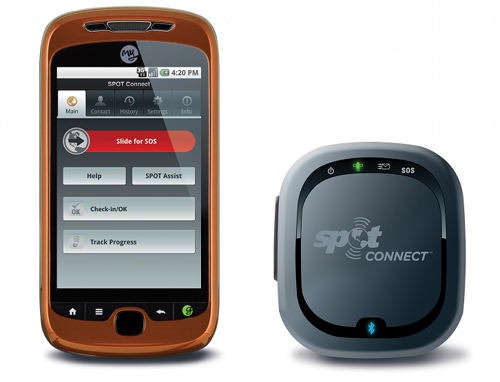
 allows you to communicate with loved ones and social media, or call out search and rescue, even from remote wilderness areas without a cell phone signal. Like the