 Though it’s not really a mapping program per se, EasyGPS is a great piece of software, especially suited for those just beginning to learn the capabilities of their GPS. You may not be ready to spend money on a sophisticated mapping program yet, but you’re piling up waypoints faster than your GPS receiver’s memory can handle them (many have a limit of 500 waypoints).
Well, EasyGPS is the answer, and it’s free. In addition to handling waypoints, you can also create routes with it. Plus, it’s geocaching friendly, because it handles both .loc and .gpx format files.
Shameless plug — There is a chapter on EasyGPS (and over a dozen other GPS programs) in my book — GPS Mapping: Make Your Own Maps.
Other posts in this series:
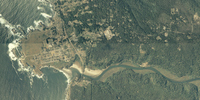
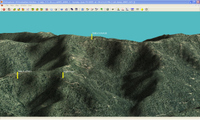

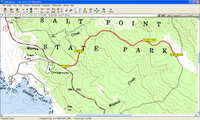
 older than USGS aerial photos. In the image on the right below, I’ve drawn a track along a logging road. To the left below, you can see how I’ve been able to update a topo map with the hand-drawn track.
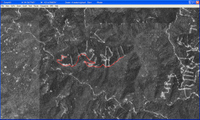 particularly useful for people new to the world of GPS, who may not be ready to lay out money for mapping software and aren’t quite sure what all they can do with it. If you’ve never transferred your track to your computer, to view it on an aerial photo, you’ve got a treat coming. And now you don’t have any excuse not to!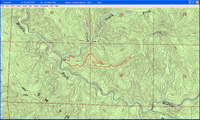
 UPDATE: Before you get too excited,
 many sources of


 Today we’re going to begin a series of posts that look at mapping software choices — a complex decision that can befuddle the most rabid and tech savvy GPS enthusiast.